For my project I did various natural looking effects using Perlin
noise and turbulence.
Noise was derived from a 3D random lattice determined on program start up using a random number seed. Interpolation could be done in two ways: Linear, which was quickest, and sin, which was better looking, especially at scales where the only a few lattice values were visible.
One of the benefits of turbulence is that aliasing can be easily eliminated.
I accomplished this by iterating the turbulence function until the detail
level was smaller than a pixel. The function determines this by scaling
the number of pixels on the screen by the zbuffer value to get the width
and height in world coordinates of the screen. By dividing the width and
height in pixels by the width and height in world coordinates, we get the
size of each pixel in world coordinates.
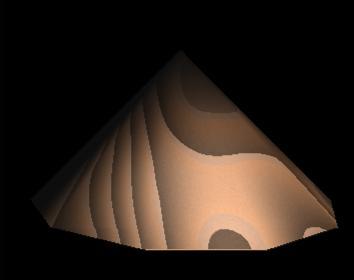
For wood I wanted distinct patterns on certain levels of detail.
So instead of turbulence I used the noise function at two levels of detail:
One very small noise function for the grain of the wood, and a big noise
functions for the swirling wood pattern. I had to switch from linear to
sin interpolation for this material, since the wood swirls were so large
the linear interpolation became quite visible.
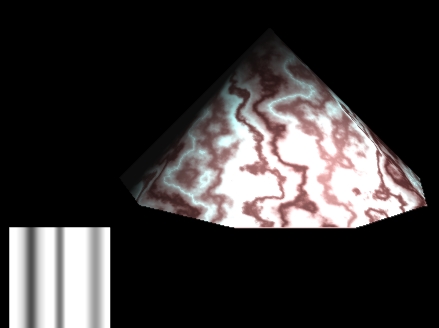
For the marble, I avoided using the sin color function suggested
in Perlin's paper. Instead I used a series of B-Splines, the pattern of
these splines can be seen at the lower right. Turbulence was then used
to mainly along the x axis to perturb the marble.
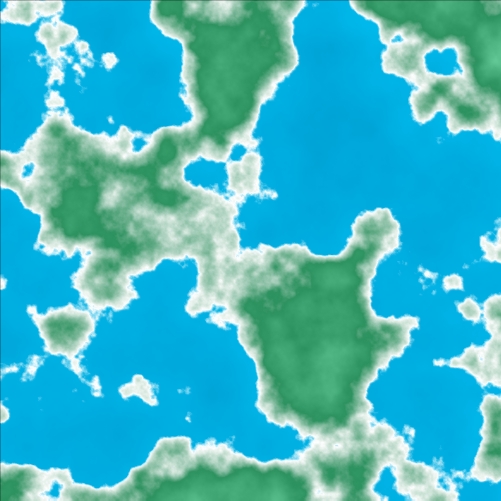
I experimented some with using Perlin noise to generate Landscapes.
As with fractals, detail can be found at the lowest levels!
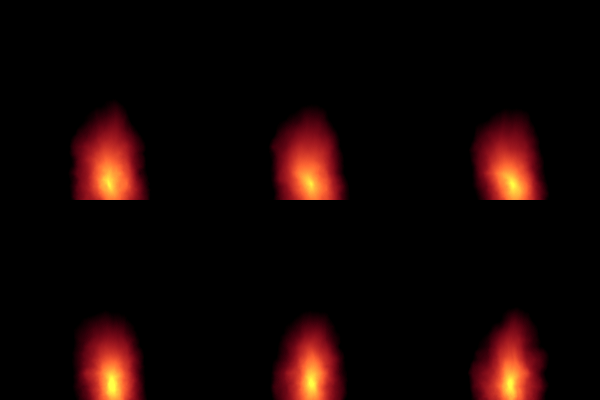
To create fire, I used a methodology similar to Perlin's corona
fire. I started with a function that created a circular pattern with color
ranging from yellow to red to black as the distance from the center grew
higher, then transformed it using the following steps:
1. Place the "center" at the bottom of the flame.
2. Perturb the distance from center function using turbulence.
3. Use the time that the flame has been burning as the z parameter
for the turbulence.
4. Alter the y parameter according to time so that the flame seems
to be moving upward.
5. Perturb the shape of the flame along the x axis
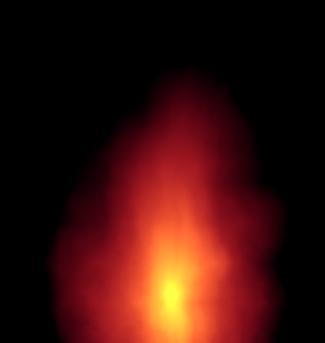
To see an animated gif of the fire, click here